Data Grid Local Filter#
Each grid supports local filtering on the data already loaded in the view. This is separate from the Server-Side Filter, which controls what is fetched from the server.
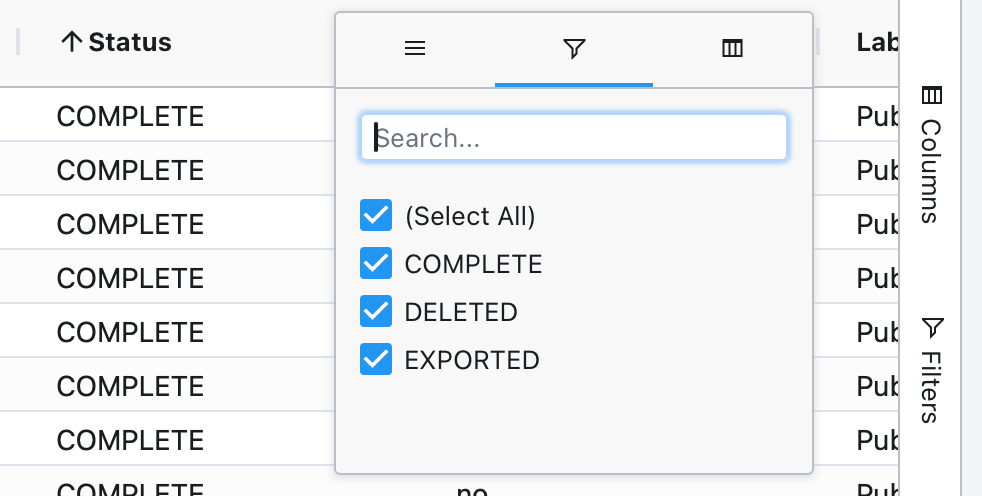
To apply a local filter:
Click the filter icon on a column header, or open the filter panel from the grid toolbar.
Enter your filter criteria.
The grid updates immediately to show matching rows.
Local filters do not re-query the server — they refine the data already displayed. To change what data is retrieved from the server, use the Server-Side Filter.