Sample Test List#
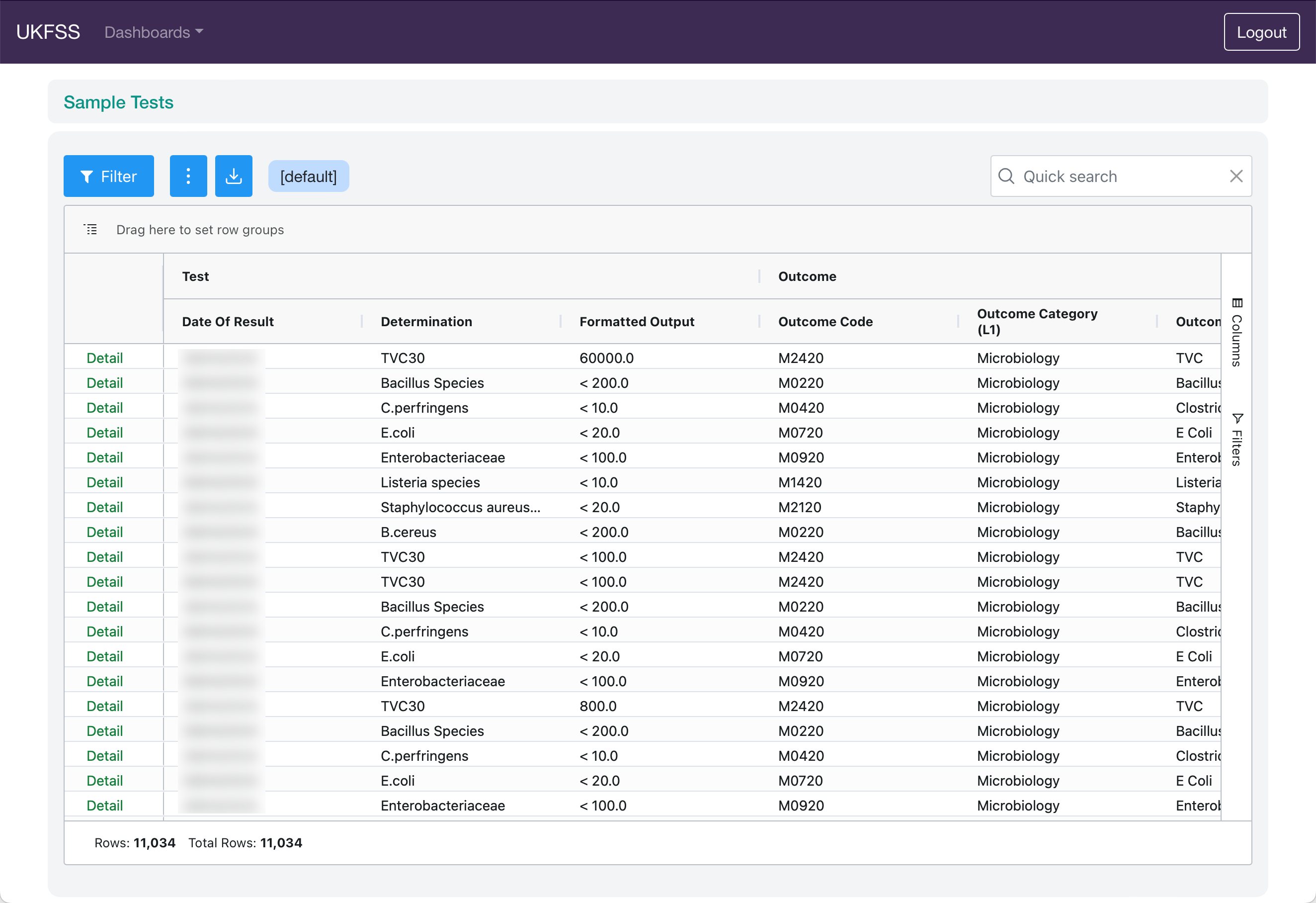
The Sample Test List displays test and result data for samples available to the current user. Each row represents a single test result.
Filters#
Click the Filter button to open the server-side filter panel:
Date Range — filter by sample date
Authority/Group — select a reporting group
Sample Status — filter by sample status
Data Columns#
The grid shows test-level data including sample identification, test type, analysis method, and result values.
Use the grid filter panel on the right to apply local filters or customise the column layout — see Portal Features.