Server-Side Filter#
The server-side filter controls which data is fetched from the UKFSS server. Because some reports can return large volumes of data, filtering at the server reduces load times.
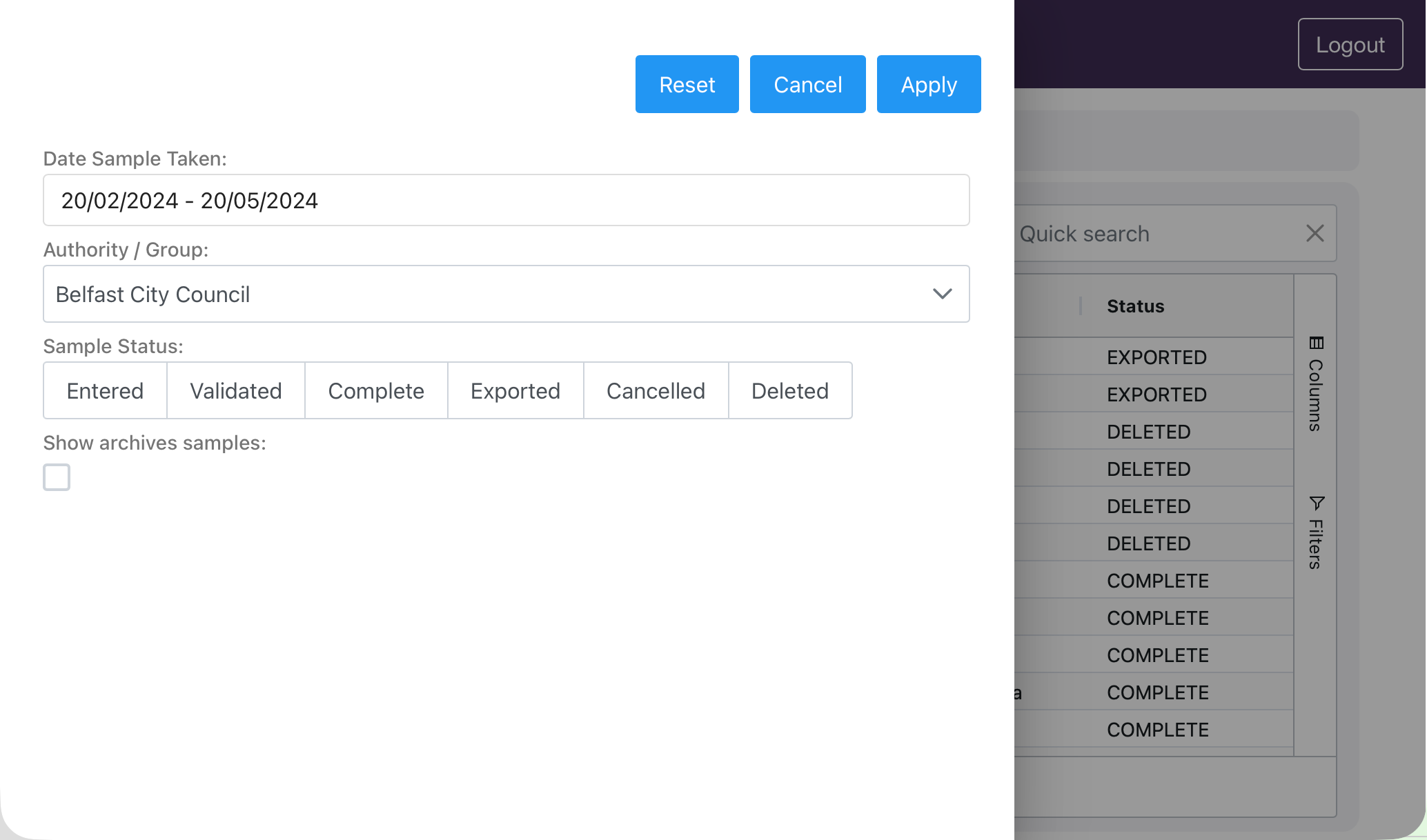
To open the filter, click the Filter button. Available options vary by page but typically include:
Date range — select a start and end date, or choose a preset period
Authority/Group — limit results to a specific reporting group
Sample status — filter by current sample status
After setting your filters, click Fetch to retrieve the data.